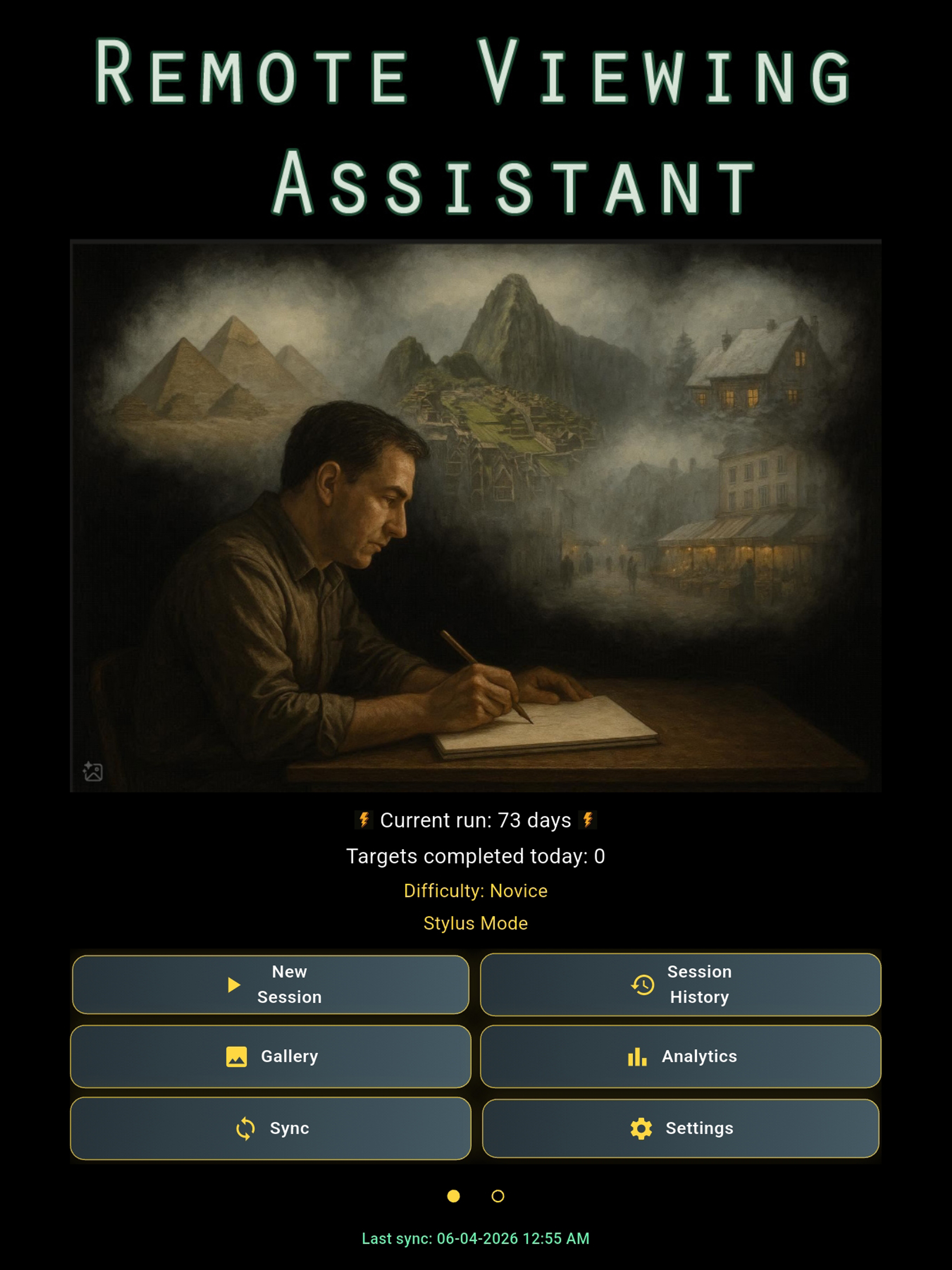
Remote Viewing Assistant
Remote viewing was developed by a group of civilian scientists and military officers as a way to gather actionable intelligence through psychic means. Project Stargate existed over 20 years and now the participants teach the protocols to the general public. This app facilitating remote viewing practice and can help you hone this remarkable skill.
Train with cleaner protocol, record richer sessions, and review your progress over months or years from one app. Remote Viewing Assistant is built for real practice, not casual note-taking.
Whether you are new to remote viewing or already running a disciplined routine, the app helps you preserve blindness, capture impressions quickly, and learn from objective feedback with less friction.


How It Works in 4 Steps
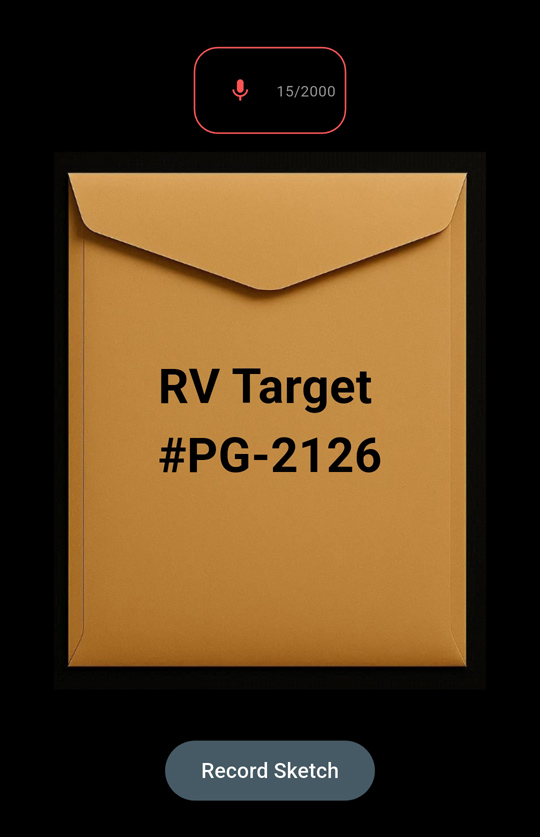
Start a Blind Session
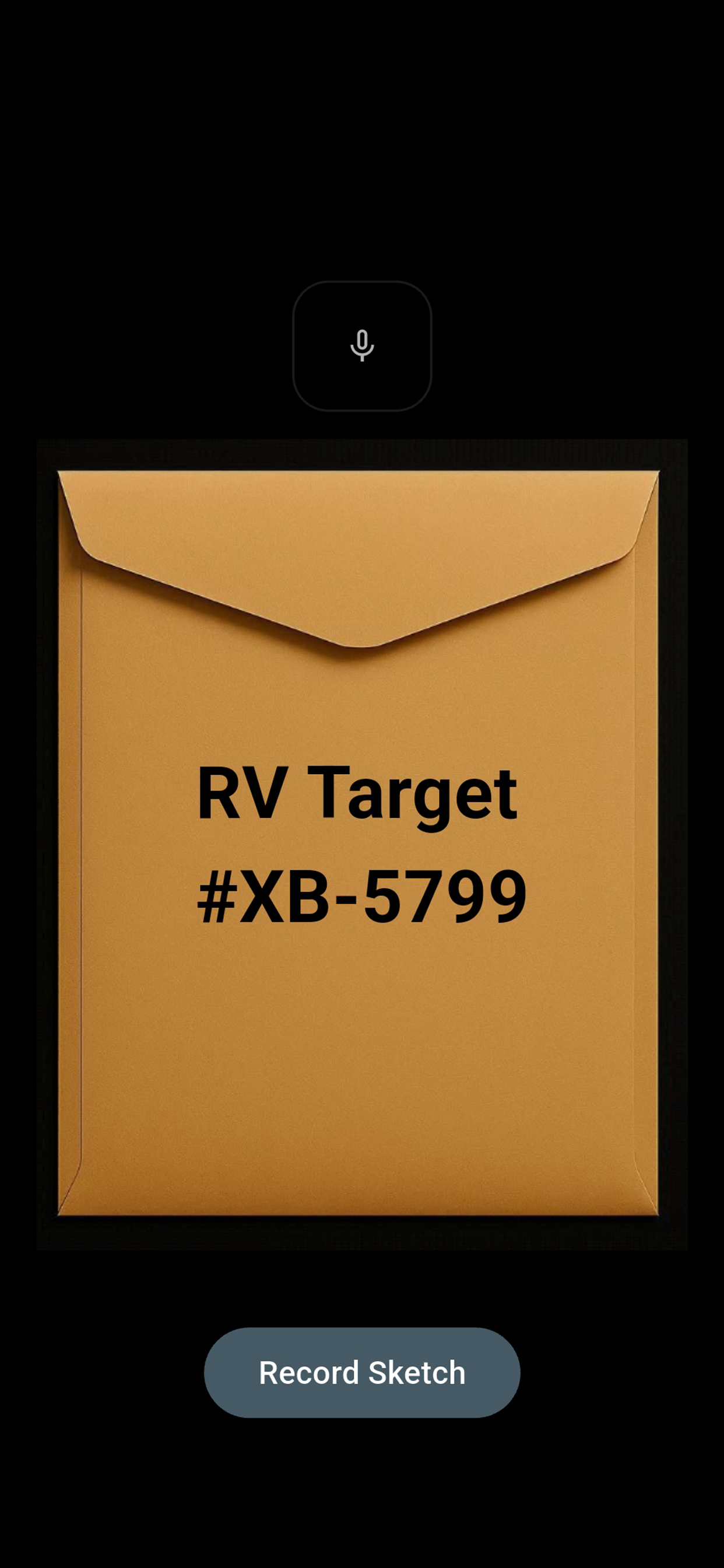
Open a session, receive a blind target cue, and begin without front-loading target details.
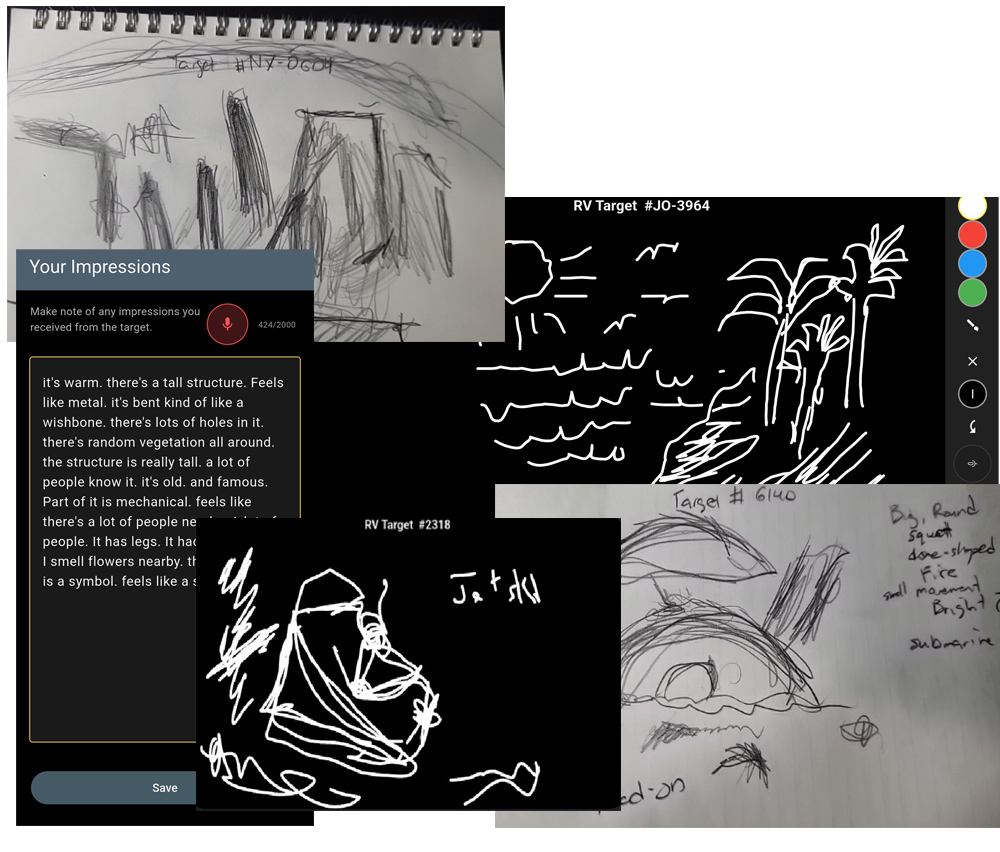
Record and Sketch in Real Time
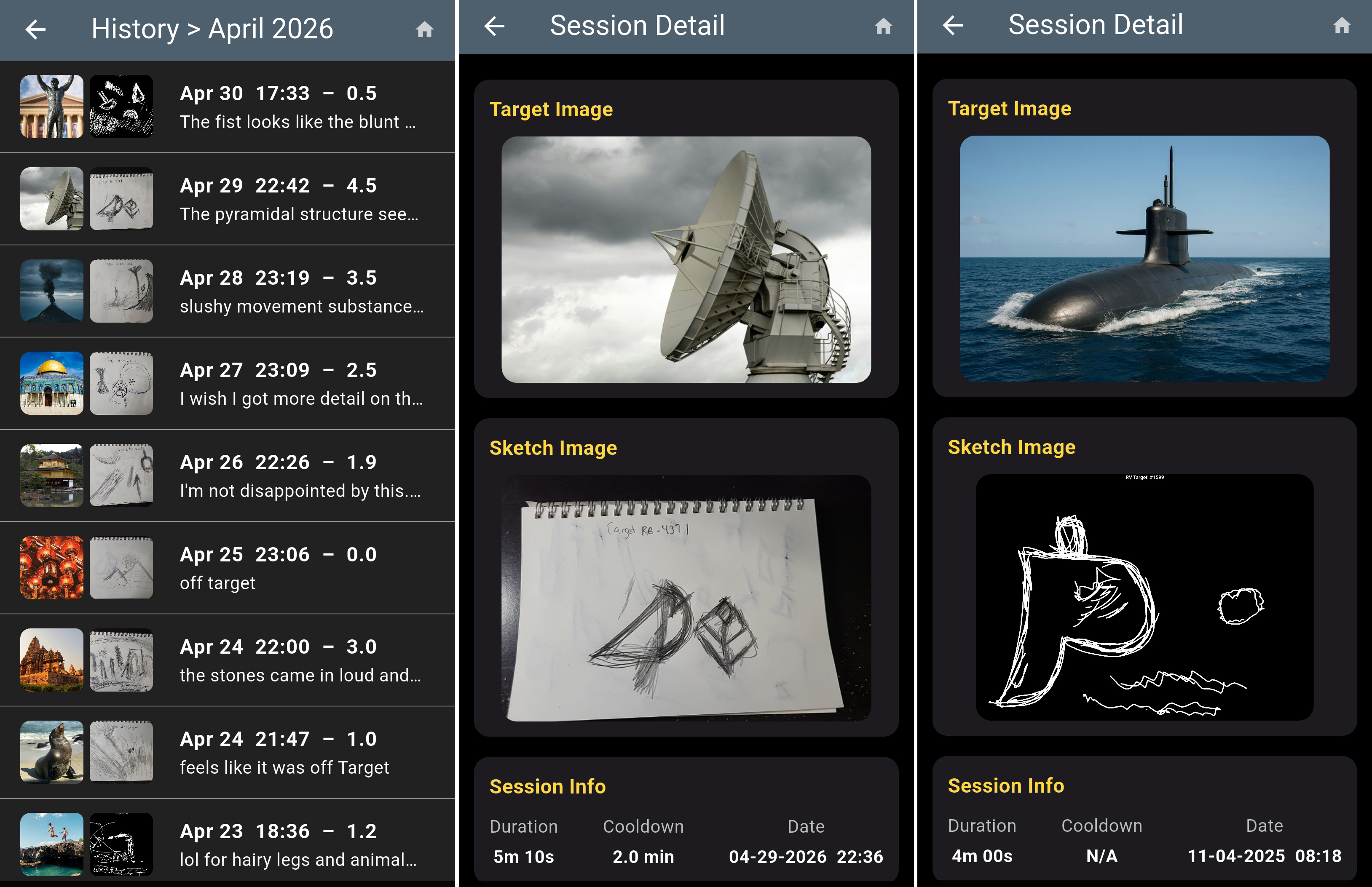
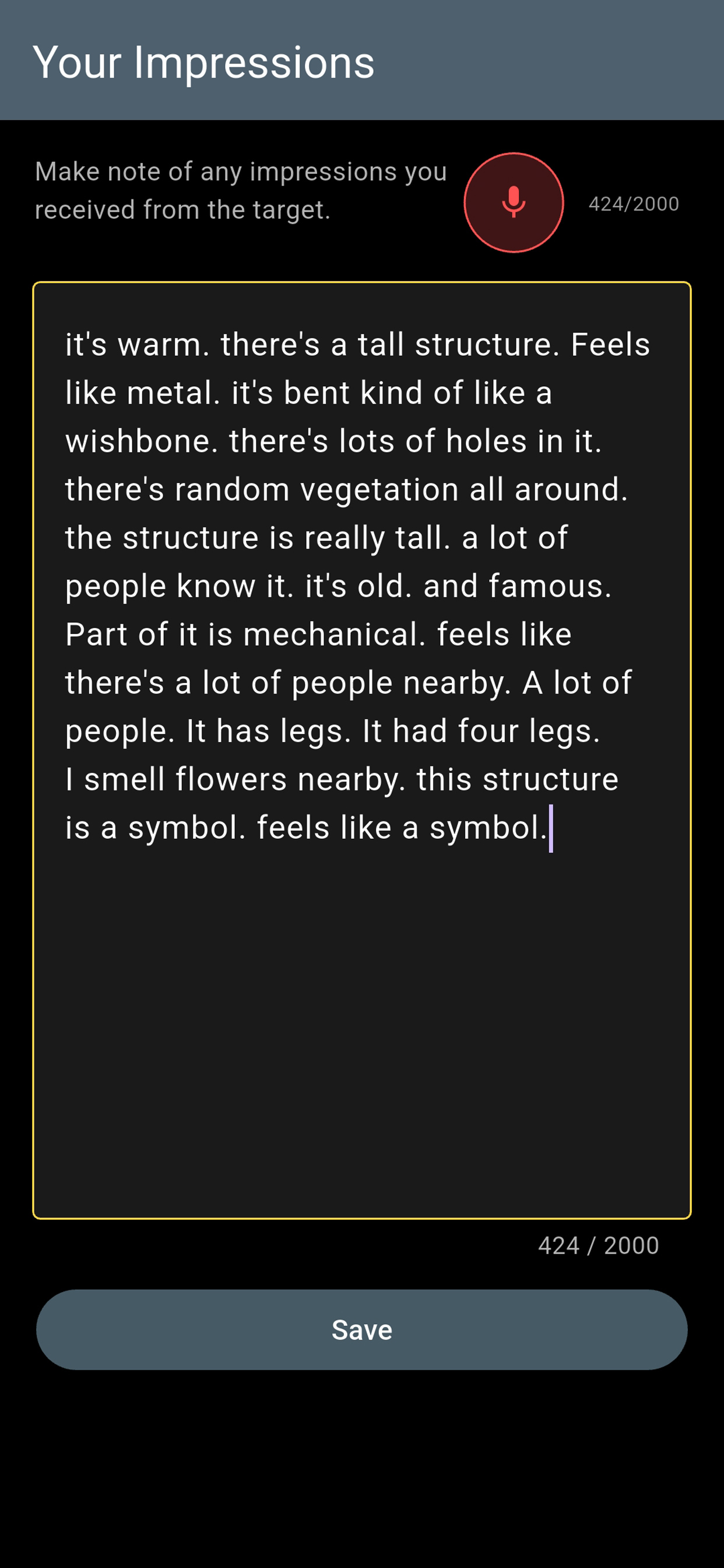
Capture impressions through text, voice, stylus sketches, or photos of paper sketches.
Review Feedback
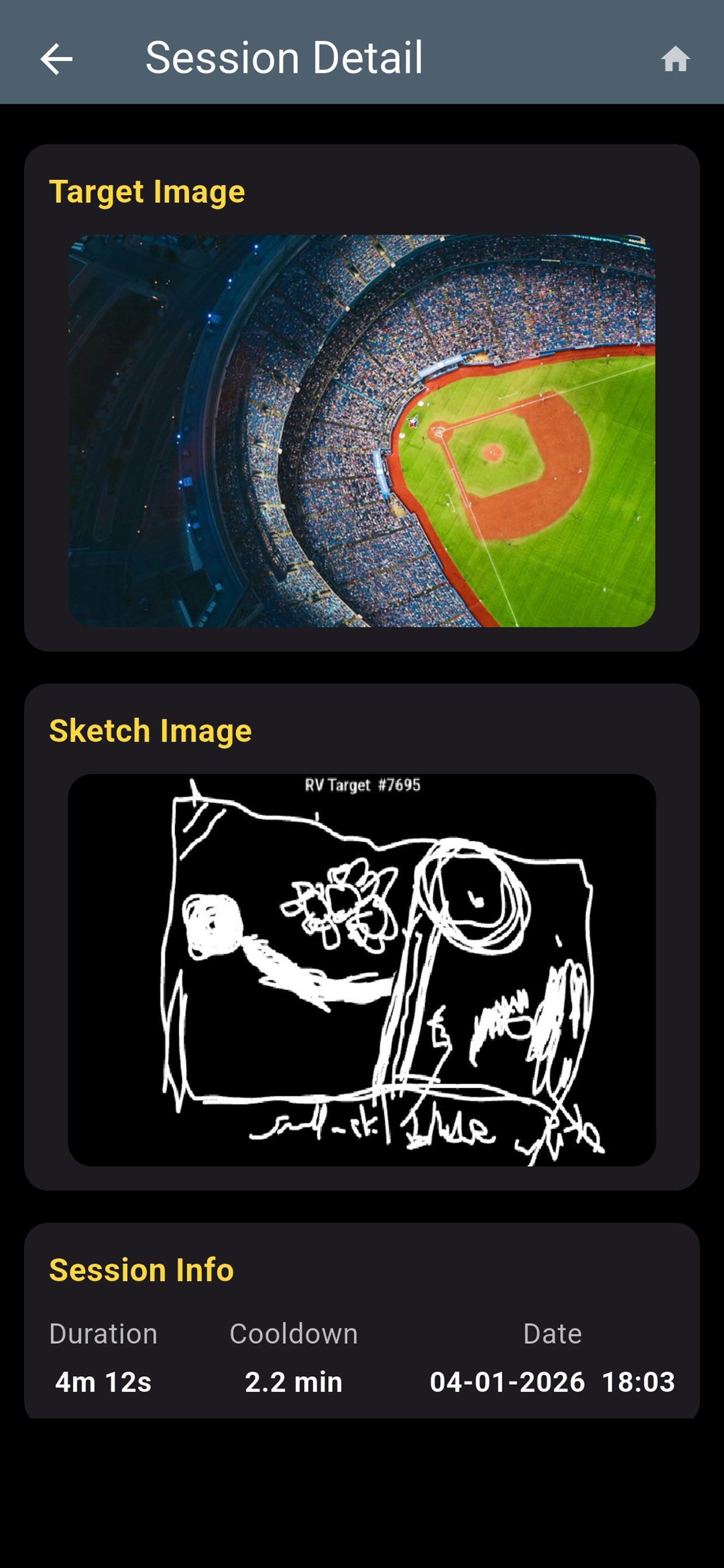
Reveal the target, rate outcomes, and store session data.
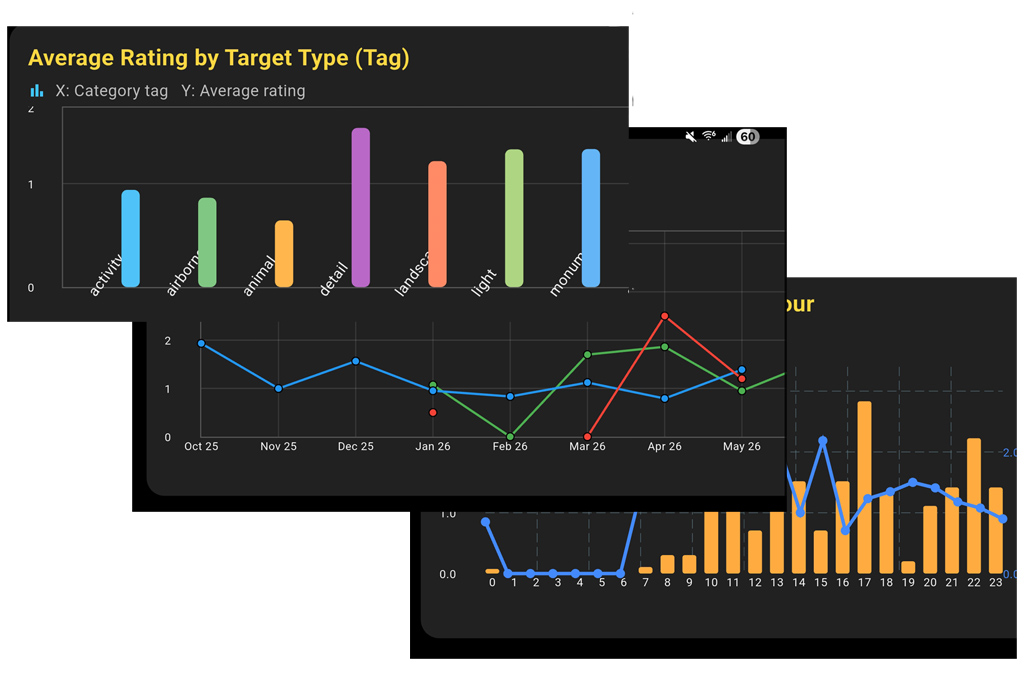
Trend Analysis
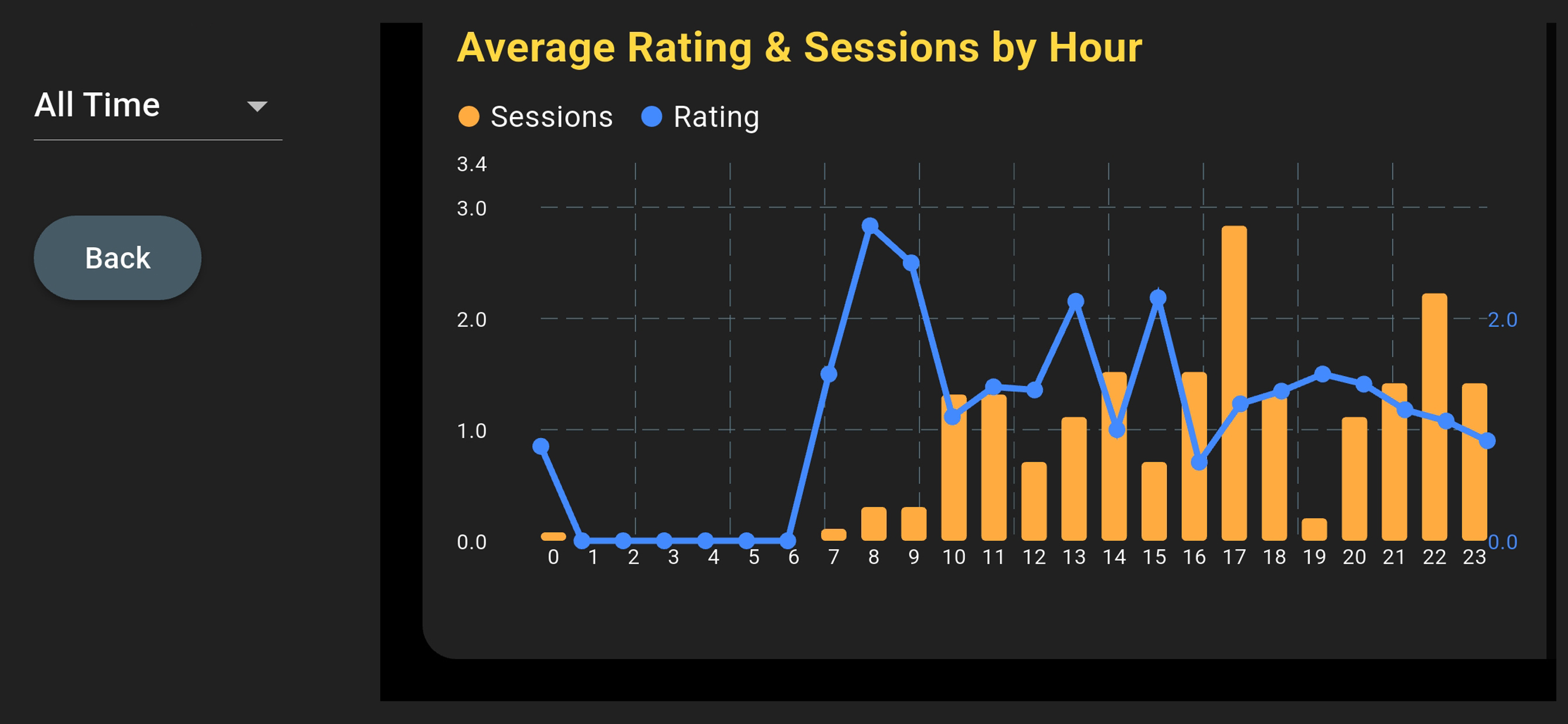
Use in-app statistical graphs to analyze session performance and discover what the weak points in your process or your sketches might be.
Why Viewers Use It
Traditional workflows can be effective, but they often involve scattered notes, separate image pools, manual timing, and difficult long-term analysis. Remote Viewing Assistant brings those moving parts together so you can focus on session quality.
Blind target handling and controlled reveal flow help reduce accidental cueing.
Text, voice, sketches, photos, ratings, and notes stay linked to each session.
Review trends by category, difficulty, and timing to identify practical training adjustments.
Fast setup lowers session friction so regular training is easier to maintain.
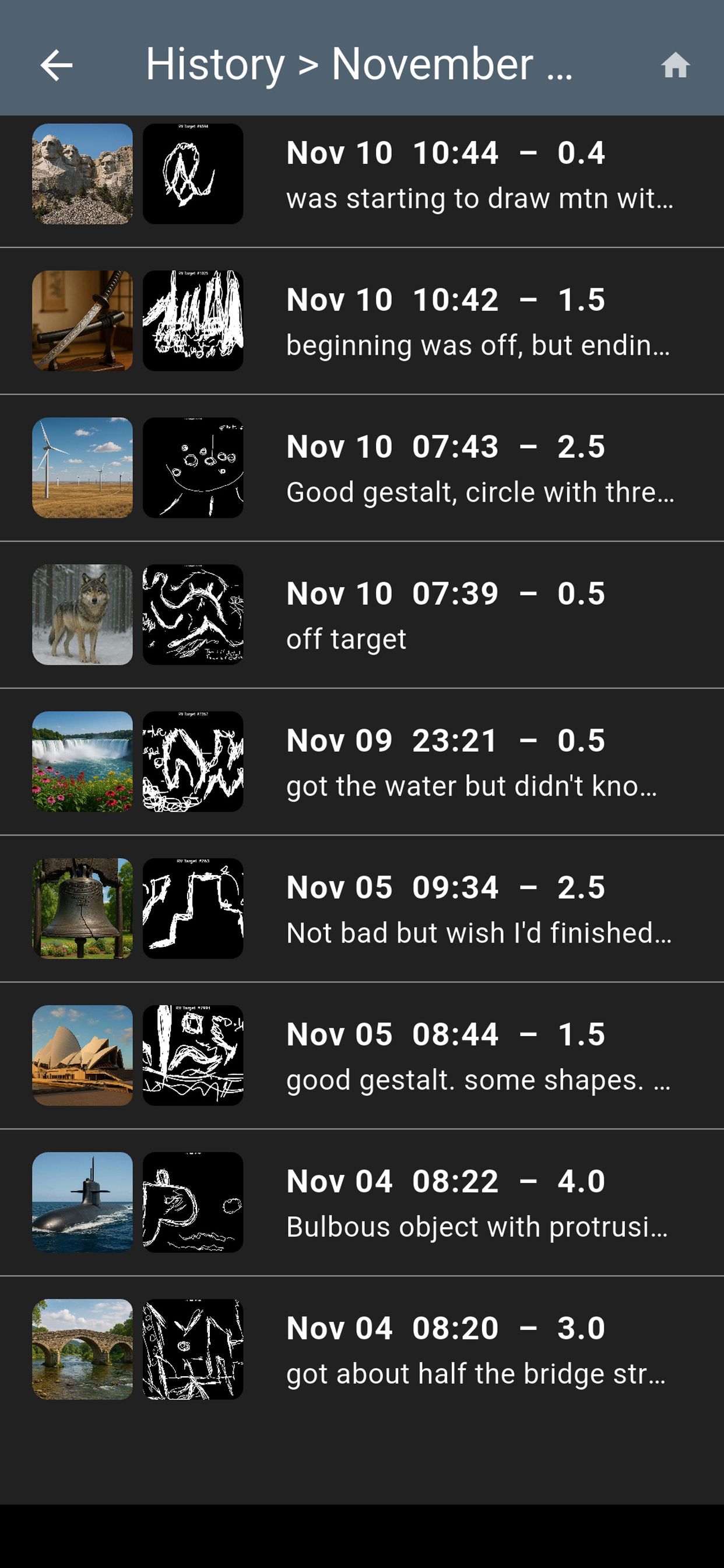
Indexing and filtering make historical review useful instead of overwhelming.
Cloud synchronization supports continuity across your devices.
Features in Detail
Remote Viewing Assistant was designed to support practical training from first session through advanced long-term development.
Target and Session Flow
- Growing collection of targets organized into multiple difficulty levels.
- Blind target presentation designed to maintain proper training protocols.
- Session structure that supports a complete start-to-feedback workflow.
- Tools that help reduce guess-first behavior and encourage disciplined data capture.
Impression Capture
- Voice recording capability to capture spoken impressions during a session.
- Support for traditional paper sketching using the device camera.
- Direct sketching on-screen using a stylus or finger.
- Flexible note fields for sensory data, analytical overlays, and post-feedback comments.
Review and Analysis
- Cloud-based storage of session impressions, sketches, ratings, and notes.
- Powerful session indexing and search capabilities.
- Long-term review of months or years of session history.
- Performance analysis based on target category, session difficulty, and time of day.
- Trend charts that help identify strengths and opportunities for improvement.
- Synchronization across all of a user's devices.
Who It Is For
Beginners can use the app to build clean protocol habits from day one. Intermediate and advanced viewers can use it to run larger session volumes and extract useful patterns that are hard to see in paper-only archives.
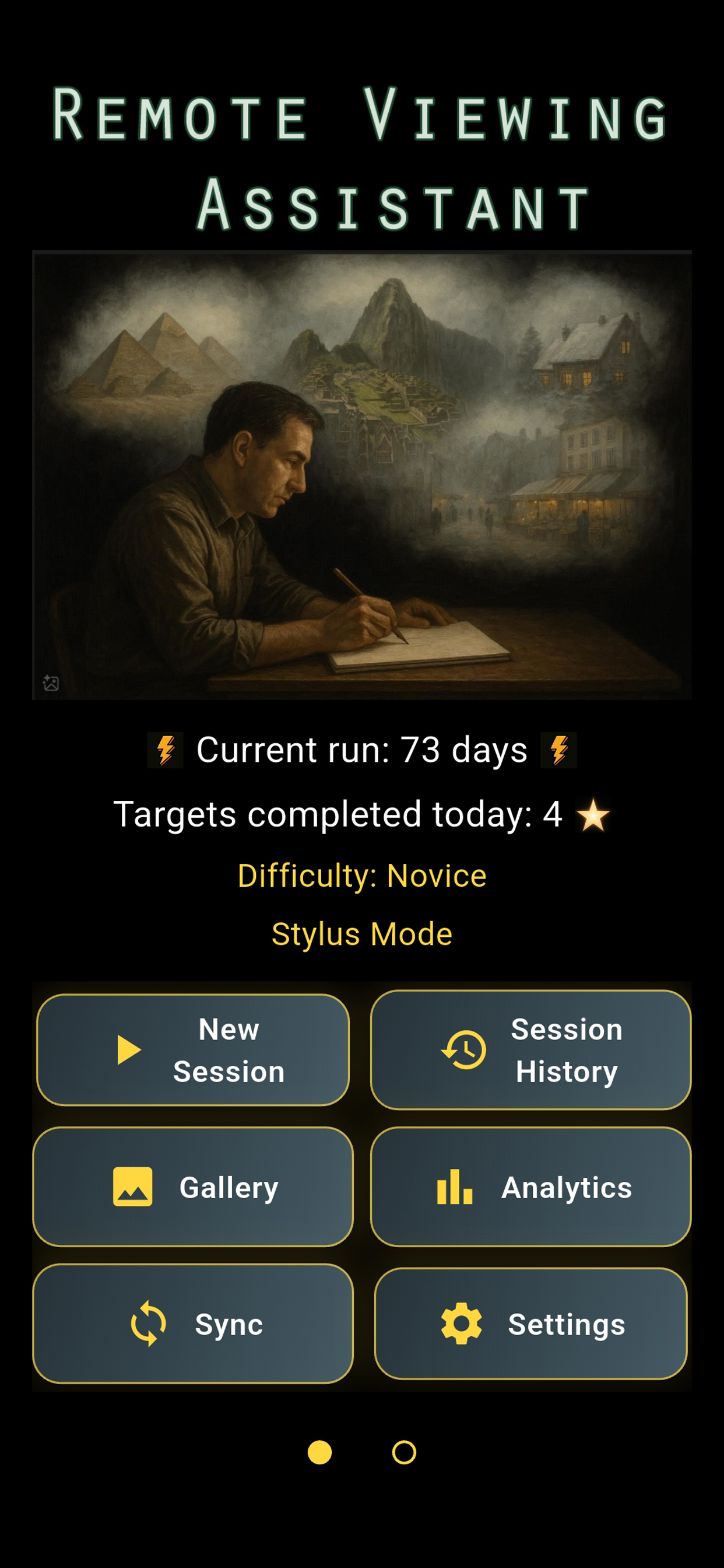
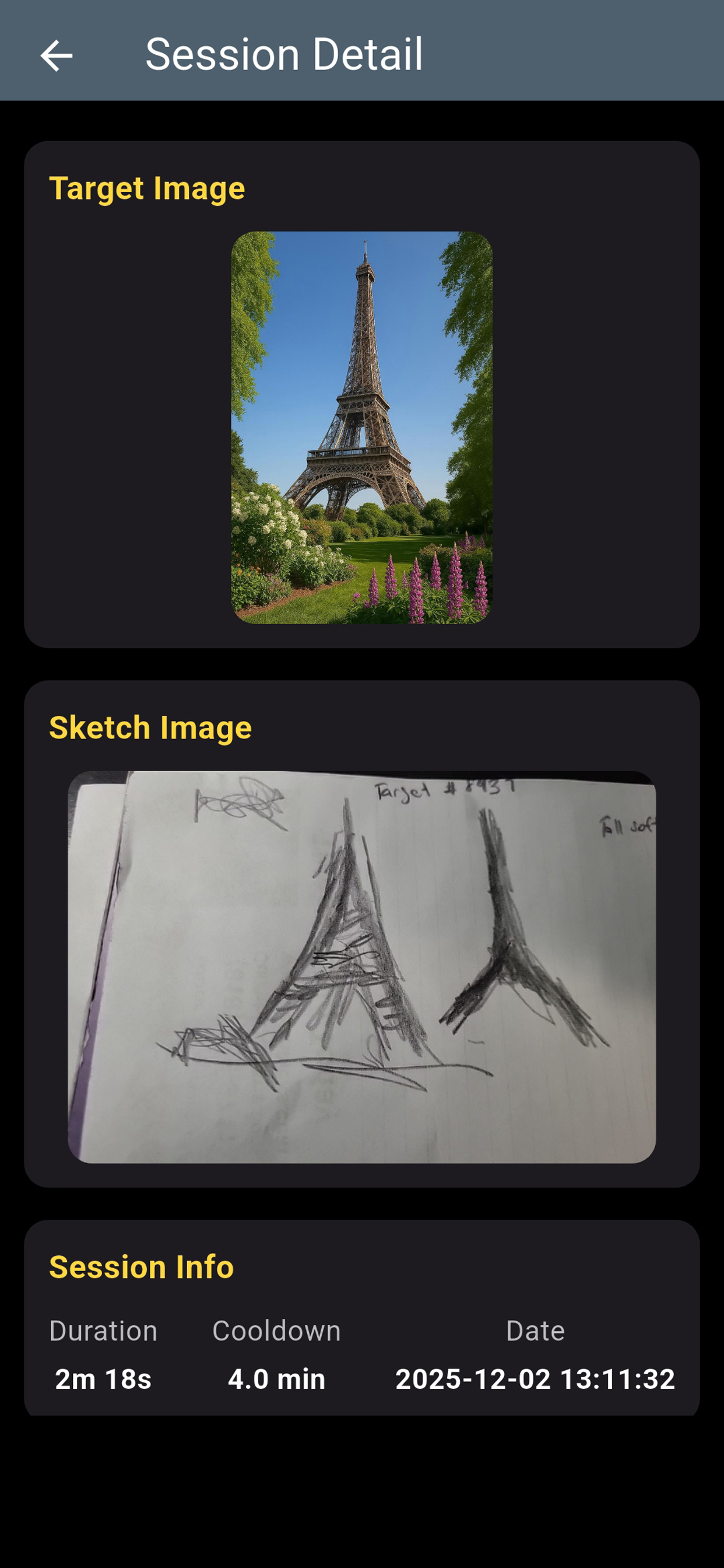
Application Screenshots
Download the Remote Viewing Assistant
Available now for Android and iPhone/iPad.
For application support or questions, email .
Privacy Policy: View Remote Viewer's Assistant Privacy Policy